
Facilities and access

Space to think. Tools to try.

The photographs show rooms and equipment in the building. Availability changes. Tell the team what you want to make, and ask which tools and time slots fit.

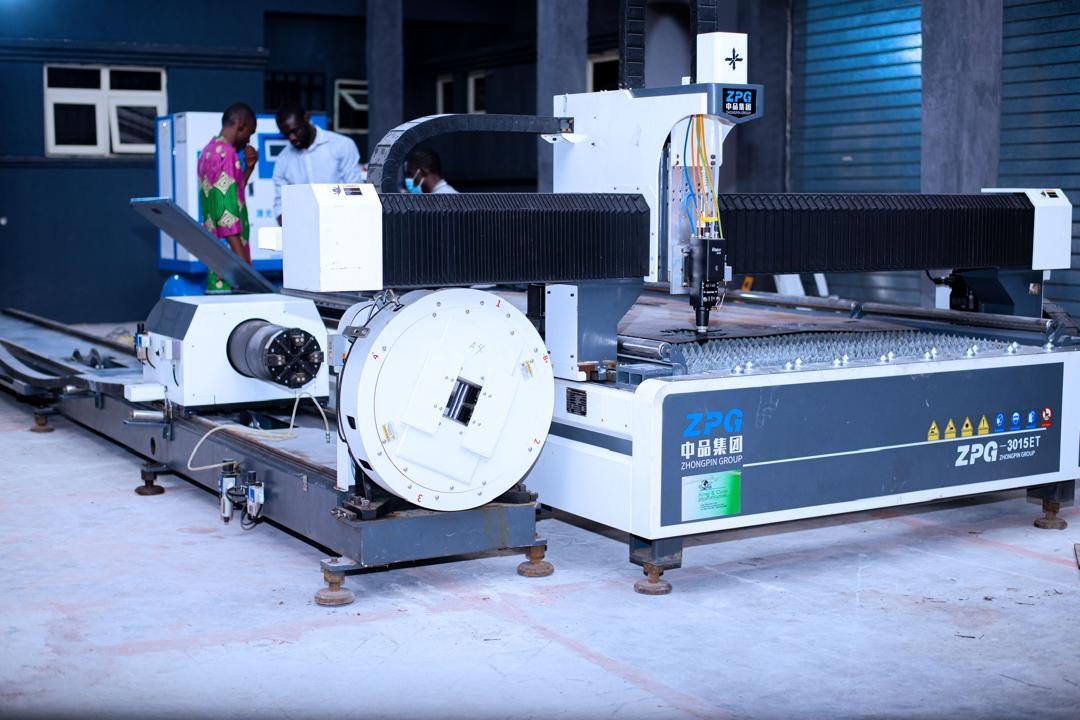
Large CNC fabrication machine in the workshop
Fabrication floor

01

Fabrication workshop

The workshop floor includes CNC fabrication equipment for cutting and shaping parts. It is the room for prototypes that have to become physical.

  • Ask which materials the machine can take
  • Bring a drawing, or book time to make one in the digital lab
  • Confirm supervision and safety requirements
02

Electronics and hardware bench

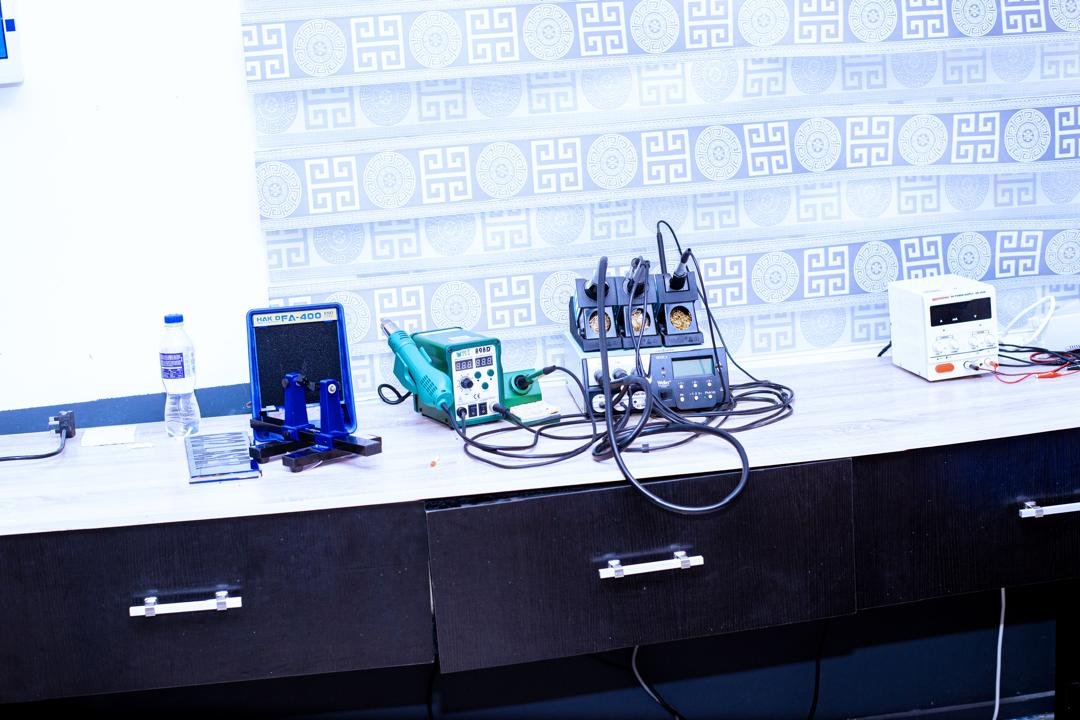
Benches are set up for components, boards and small hardware builds. This is where a sensor, a controller or a campus research rig can be tried before it meets the field.

  • Describe the circuit or product you want to test
  • Ask what tools stay on the bench and what you should bring
  • Pair the bench with a digital workstation if you are still designing
An electronics bench with instruments and components
Hardware bench
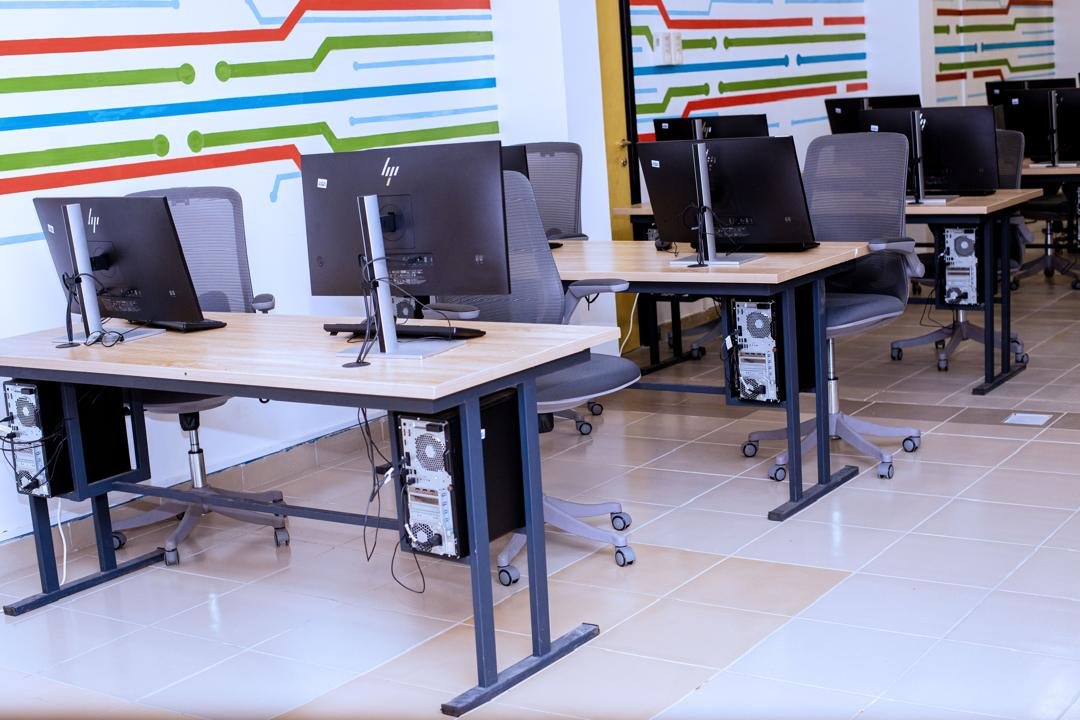
A computer laboratory with desks in rows
Digital learning lab

03

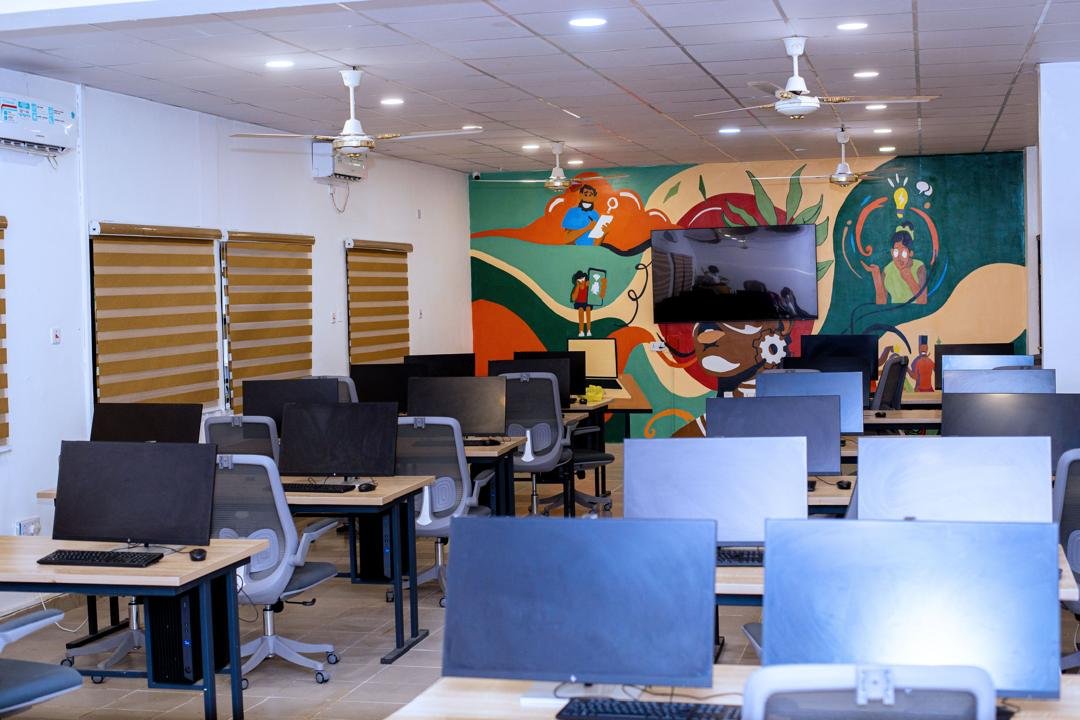
Digital learning lab

Rows of workstations support design, research and taught sessions. A second lab layout gives smaller teams a bench of machines for longer work.

  • Say whether you need a taught session or independent time
  • Ask which software is installed
  • Book around teaching so a class is not interrupted

04

Collaboration and pitch rooms

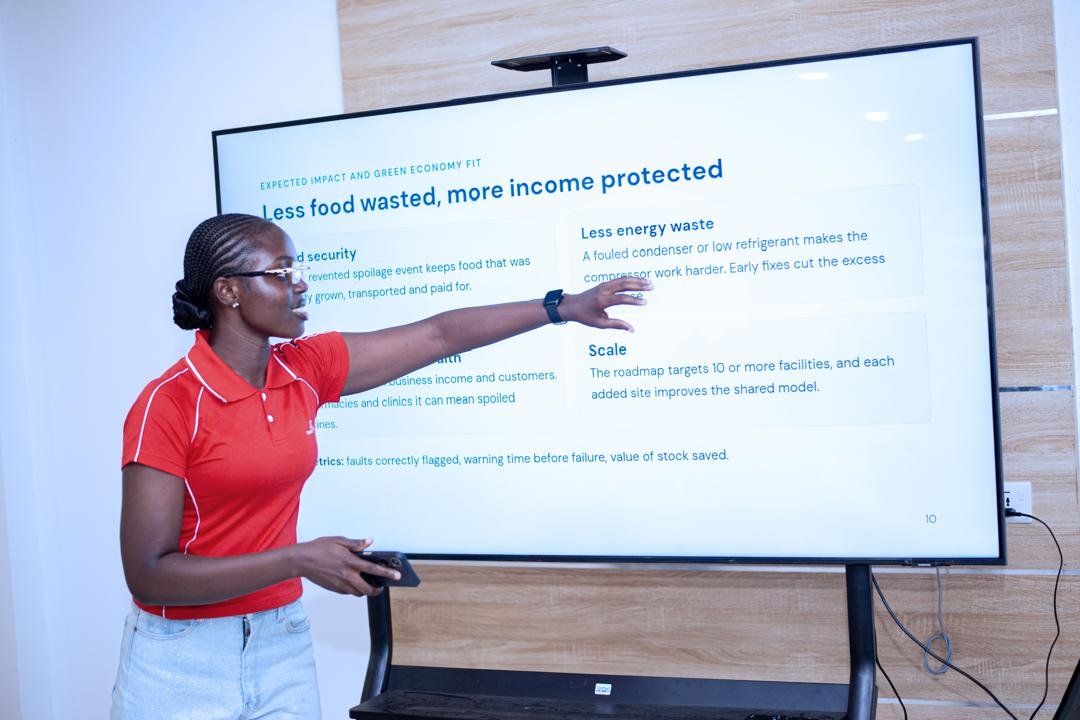
Teaching rooms with large screens are used for classes, critiques, founder presentations and partner briefings. They are the public face of work that starts on a bench.

  • Tell us the size of the group
  • Ask about screen sharing and seating
  • Combine a room booking with a short floor tour
A bright teaching room with screens and tables
Teaching room
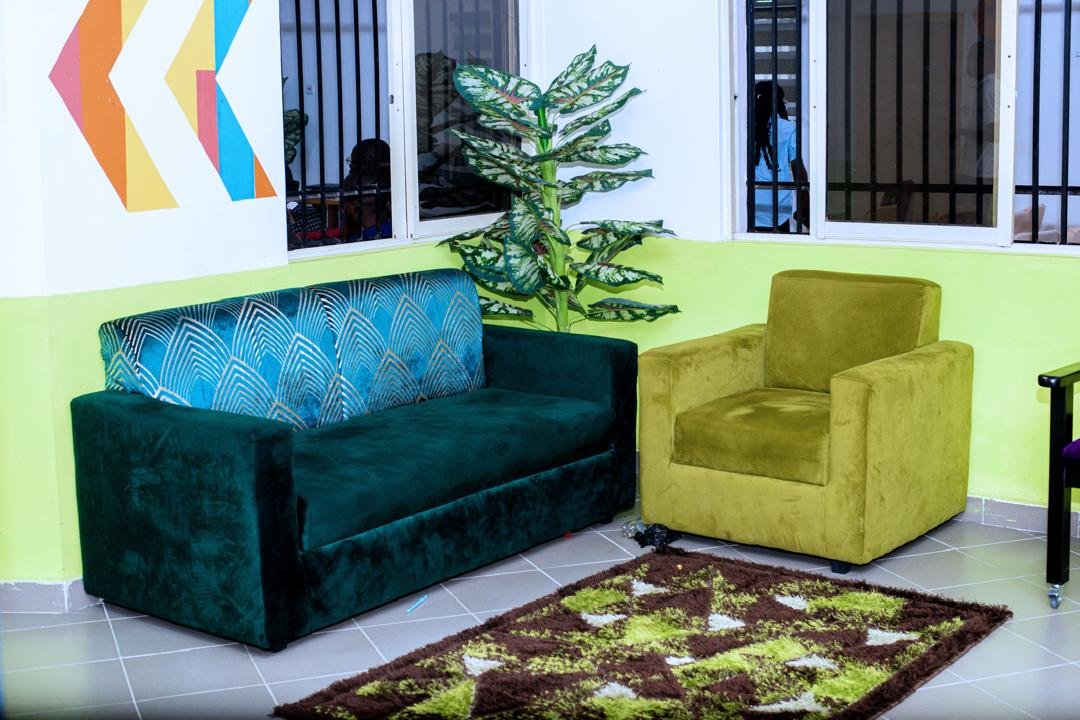
Green and yellow lounge chairs in a communal room
Community lounge

05

Community lounge

Soft seating and a quieter room for conversations that do not need a machine. Teams use it between sessions, and visitors use it while they wait.

06

Creative and media corner

Part of the building is set up for documentation and informal creative work, including lighting and a small music corner. Useful when a prototype needs to be shown, not only built.

  • Ask what can be booked for photography or recording
  • Keep production work clear of active classes
Studio lights on stands in a media corner
Lights for documentation

Tell us what you want to make.

Include the project, the materials, the equipment you think you need, and the week you have in mind. The team will say what is possible.

Ask about access
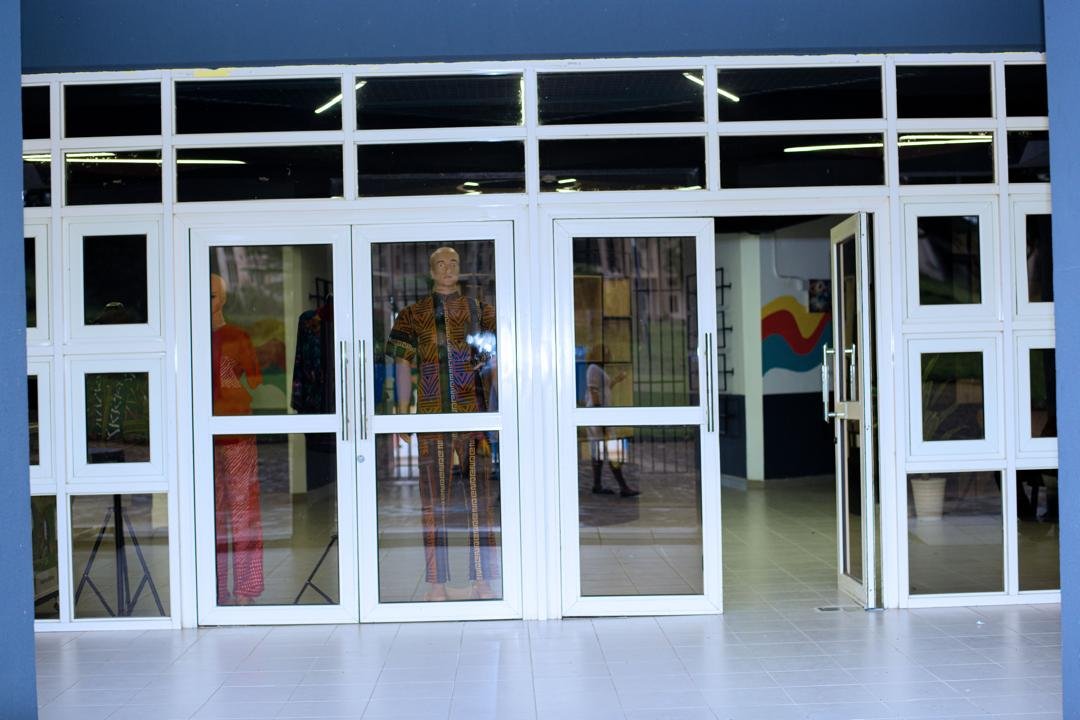
Glass entrance doors of the UniPod
Visits are by arrangement